
Use the Group View tab in your selected child activity module to view and edit the dates that pupils are linked to an activity group.
Be aware that the Activities Manager module is very date driven. You must ensure that event dates, group dates and pupil participation dates line up to ensure that features are displayed as expected.
To view the activity pupil list:
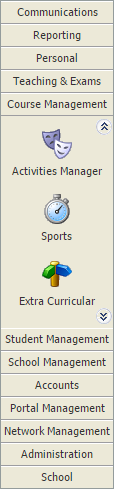
- Select a child activity module from the module bar:
- Select the Group View tab:

Categories are identified by the icon in the tree menu on the left. Groups are listed underneath categories in the tree.
 - Click Manage Group Properties in the Group Options panel.
The Group Details screen is displayed:
The group that you are working with can be changed using the drop-down list in the header bar.
A list of pupils is displayed:
- Click the calendar icon in the header to select another date if required. Only the pupils linked to the group for the selected date are displayed (a count of the number of pupils linked to the group for the day selected is shown in brackets).

- Choose to: