
Use the Features tab in the Pupil Portal Manager module to enable pupils to interact with the Pupil Portal:

- Open the the Pupil Portal Manager module and select the Features tab.
Select an option under the Interactive Features category from the right hand menu to configure the corresponding portal function:
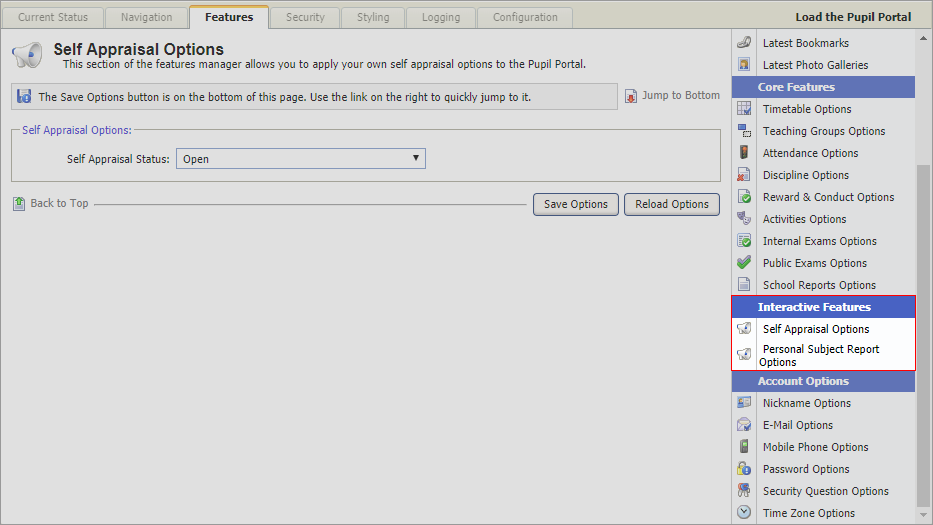
- Self Appraisal Option. A general self assessment report.
- Personal Subject Report Options. A subject specific assessment.