
The Module Logging options in the Timetable Manager module list amendments made in the different tabs available in the module. An audit is available for each tab in the module, although all changes to timetable tabs are listed together.
- Open the Timetable Manager module and select the Logging tab
Select an audit listed under the Module Logging category from the right hand menu:
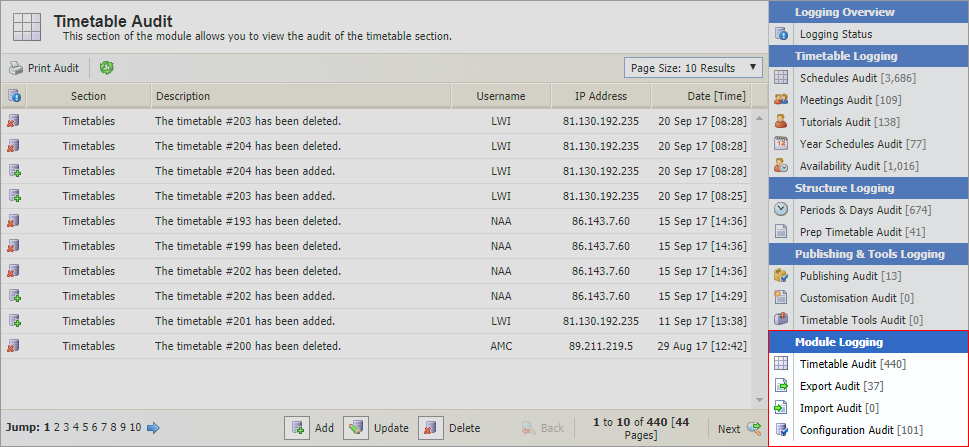
The audits available are explained in the table below:
Module Logging
Use to view and print an audit of changes in the...

Timetable properties. These are amendments made either through Manage Timetables or Edit Timetable Properties relating to the name of the timetable, which academic database it uses and where it is published.

Export tab. All export files which are created are logged here.

Import tab. All files which have been imported into the Timetable Manager module are logged here.

Configuration tab. Any amendments to Timetable Configuration, Timetable Terminology, Styling and Style Sheet Options are logged here.
Some basic details of the amendment are also provided.
- Click
 in the header to ensure that the information listed is up to date.
 Use the drop down list in the top right hand of your selected audit to control the number of results displayed.
- Use the navigation tools at the bottom of the list to move through the information shown.
- Click Print Audit in the header bar to print the page displayed.
Click on a username to view contact details and email the user directly from this page, if required.