
Choose to delete any subgroups assigned to events in child activity modules. This is useful if a subgroup has been added in error.
Any results already recorded for the subgroup are also deleted once the subgroup is removed.
To delete a subgroup:
- Select a child activity module from the module bar:
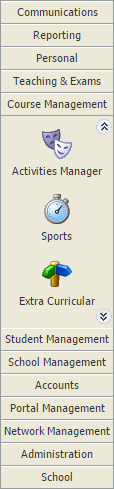
- Select the Activity Overview tab and select an Event Overview option from the right hand menu:

The Activity Events Today/Tomorrow/This Week/Next Week/This Month screen is displayed depending on your selection. All of these options work in the same way. - Use the filters in the header bar to display the dates that you want to work with:

Select either:- Day View.
- Week View.
or - Use the date picker on the right to select a specific date.
 = subgroup.
 = single group.
- Click
 in your selected subgroup event.
 - Click OK in the popup window displayed.
The subgroup is removed from the event and no longer listed in the Activity Events screen. Any results which may have been logged for the subgroup in the Results tab are also removed. No record is kept of the subgroup having been linked to the event.