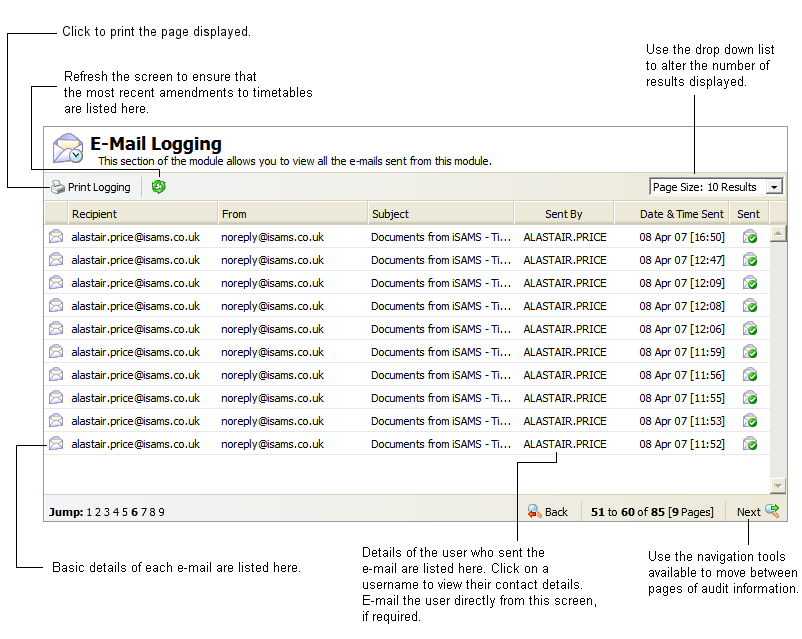
Use the View E-Mail Logging option in the Timetable Manager module to view a full audit log of e-mails sent from the module. This includes the username of the user who sent the e-mail, the subject of the e-mail and the date the e-mail was sent. Click on a username to view user details and send an e-mail to that user. This is a useful tool to track changes made in the module and also provides a shortcut to contacting other users.
Use the Logging tab to see a complete audit log of changes in the Timetable Manager module.
To view the e-mail log:
- Open the Timetable Manager module and select the Configuration tab.
- Select View E-Mail Logging from the right hand menu: