
The Structure Logging options in the Timetable Manager module list amendments made to both the structure and the prep options of your timetable. Amendments include all addition, amendment and delete actions.
To view Structure Logging options:
- Open the Timetable Manager module and select the Logging tab
Select an audit listed under the Structure Logging category from the right hand menu:
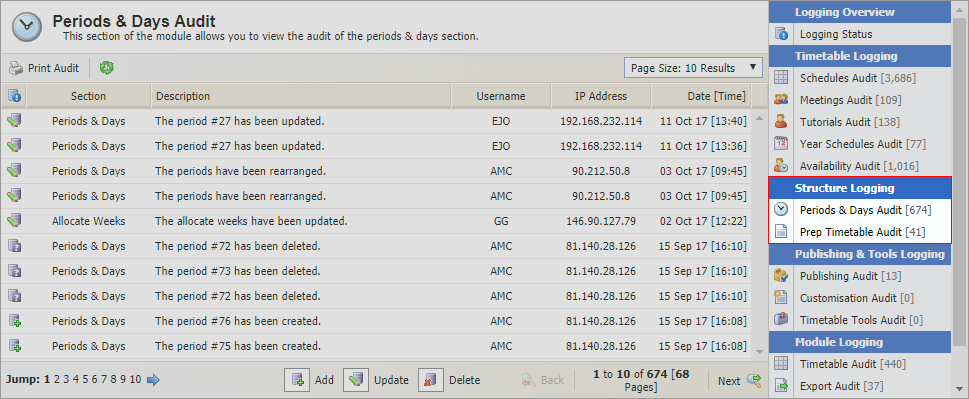
The audits available are explained in the table below:
Structure Logging
Use to view and print an audit of changes made to...

Weeks, days or periods in your timetable structure. This is useful to keep a track on your timetable structure when you are first creating it.

The prep or homework timetable. The same prep timetable is used throughout the module. This audit provides an audit of changes that are made to it from anywhere in the module.
Some basic details of the amendment are provided.
- Click
 in the header to ensure that the information listed is up to date.
 Use the drop down list in the top right hand of your selected audit to control the number of results displayed.
- Use the navigation tools at the bottom of the list to move through the information shown.
- Click Print Audit in the header bar to print the page displayed.
- Click on a username to view contact details and email the user directly from this page, if required.