
Use the Configuration tab in the Pastoral Manager module to maintain the reference data on pastoral records, such as areas of concern and types of life event. Reference data on pastoral records is useful for quickly labelling records to help with the allocation of actions to be taken by staff.
Reference categories and drop down list titles are configured by iSAMS but the data in each list is maintained by your school.
- Open the Pastoral Manager and select the Configuration tab.
- Select Reference Data from the right hand menu:
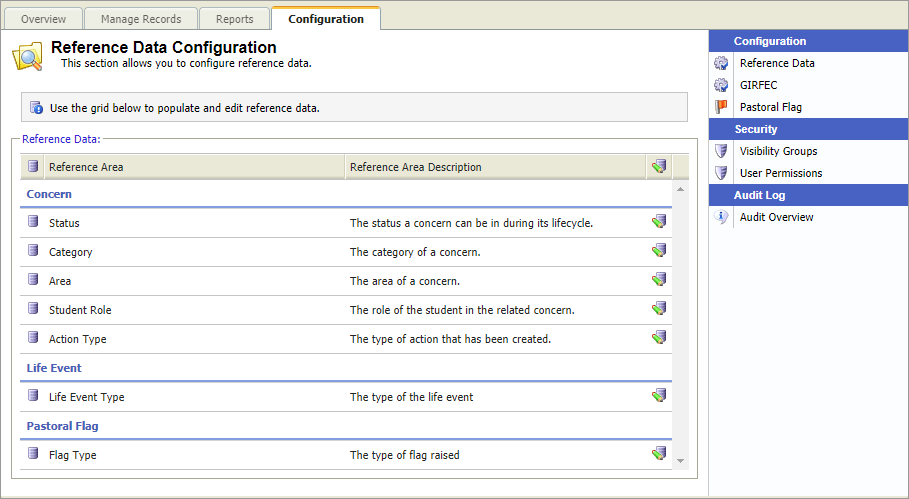
All preconfigured reference data categories and list titles are shown here. Scroll to the category and list that you want to work with.
Choose to:

- Click
 in the list title that you want to work with.
A popup window is displayed: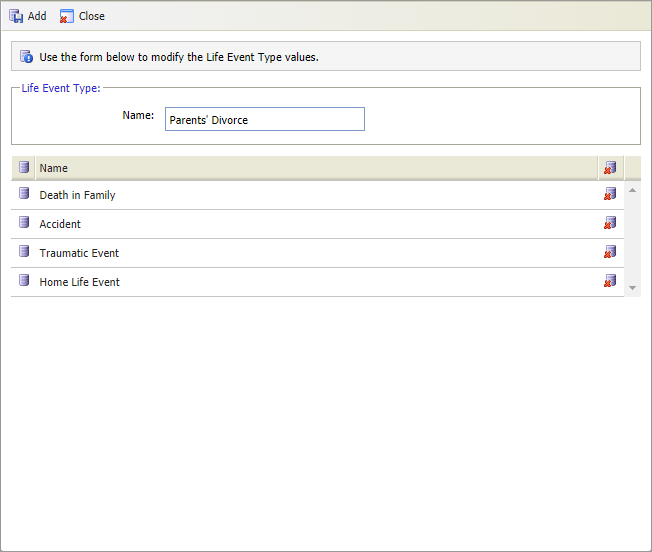
- Enter a clear and concise name for the data.
- Click Add.
- Click Close.
The reference data is ready for selection in pastoral records: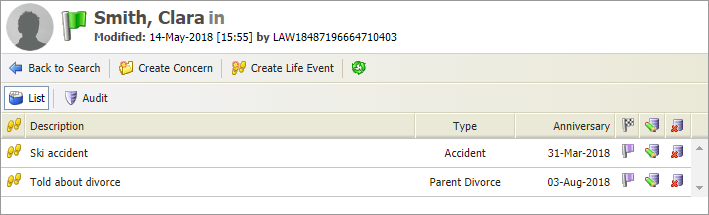
Remove any listings that are no longer required
- Click
 in the list title that you want to work with.
A popup window is displayed: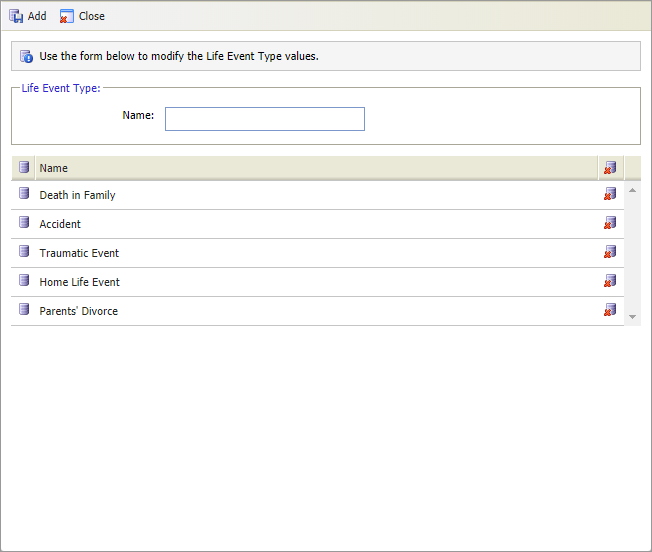
- Click
 next to the reference data that you want to delete.
 - Click Close.
The area is removed from the list. Pastoral records which already have this reference data logged are not affected. The deleted reference data is still logged.
- Click