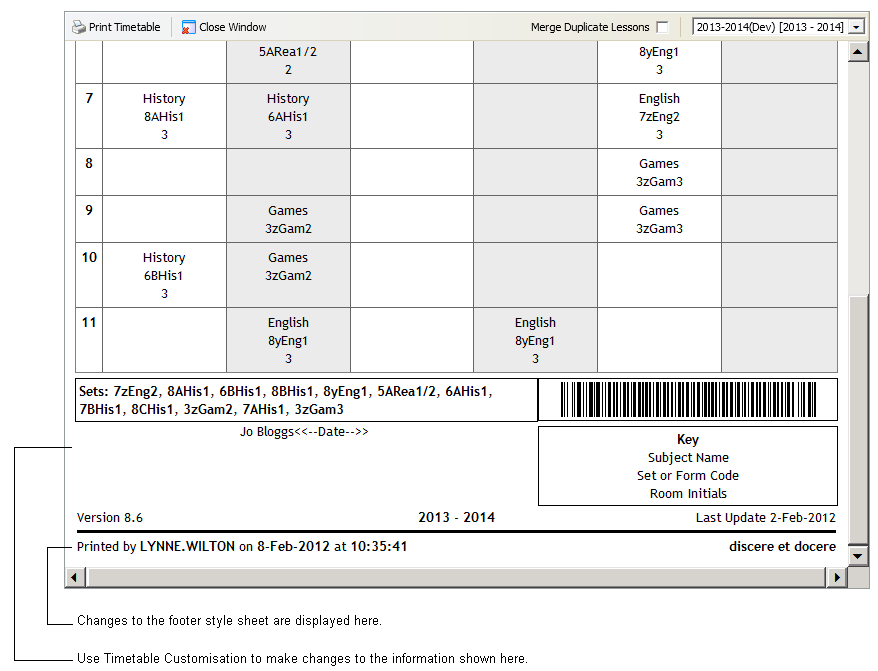
Use Timetable Footer Options in the Timetable Manager module to change the style of the timetable footer when viewing a printed timetable. For example, you can include the date and time that the timetable was printed.
- Open the Timetable Manager module and select the Configuration tab.
- Select Timetable Footer Options:

- Change the default style sheet to suit you. For example, add the school motto or add footer fields. An example is shown below:

- Click Save Footer to save changes. Use Click Reload Footer to refresh the screen with previous saved settings.
An example of how changes to the style sheet are displayed in the print view of timetables is shown below: