
Use the Configuration tab in the Daily Bulletin module to view a log of all e-mails sent from the module.
Select the Logging tab for an audit log of all changes made in the module.
- Open the Daily Bulletin module and select the Configuration tab.
- Select E-Mail Logging from the right hand menu.
The E-Mail Logging screen is displayed: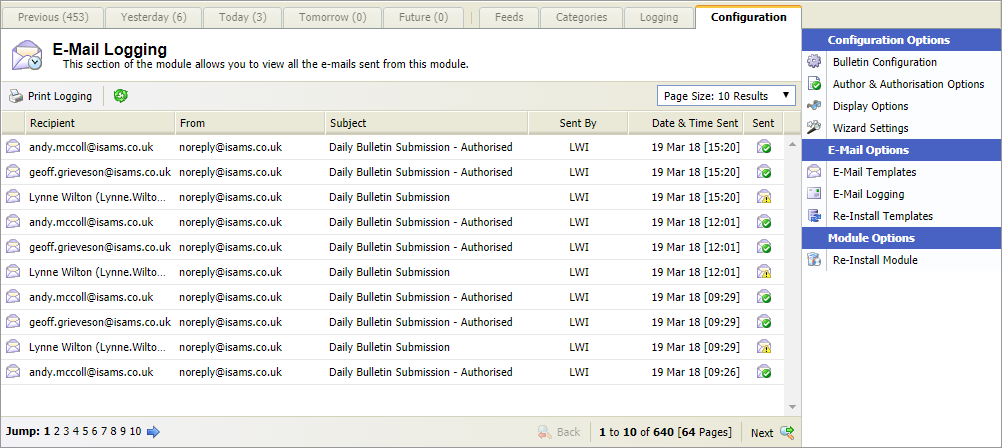
All of the e-mails sent from the module are listed in reverse chronological order.- Recipient and sender e-mail addresses are shown.
- Icons indicate whether the e-mails were sent (
 ) or failed to send (
 ).
).
- Use the Page Size drop down on the right to select the number of records displayed.
- Click Print Logging to print the page displayed.