
Use the EDI Coursework History option in the External Exams Manager module to view and download any of the EDI coursework files that have been created for the selected exam cycle. No changes can be made to the files which have already been created but it is possible to download files from this option. Files must be downloaded before they can be transferred to exam boards.
To use the EDI Coursework History option:
- Open the External Exams Manager module and select the Coursework tab.
- Select EDI Coursework History from the right hand menu.
Use the drop down list in the top right of the screen to select the exam cycle that you want to work with:
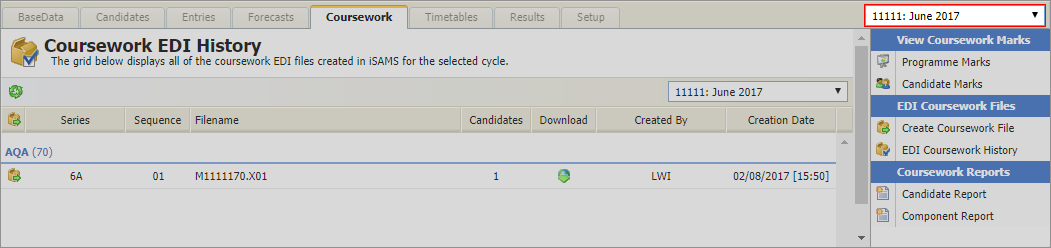
All of the coursework files created are listed with the number of candidates and the creation date.- Click
 in a file to download it. Files must be downloaded before they can be transferred to exam boards.
 - Use the Create Coursework File option if you need to make changes to any of the files listed.