
Use the Group View tab in your selected child activity module to contact groups of pupils in an activity schedule. Send emails or text messages to pupils or pupil contacts.
This is useful if you need to contact pupils about a change in the training schedule or let parents know about an upcoming tournament.
To contact pupils or pupil contacts:
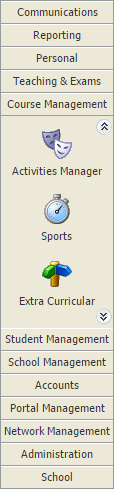
- Select a child activity module from the module bar:
- Select the Group View tab:

Categories are identified by the icon in the tree menu on the left. Groups are listed underneath categories in the tree.
 - Click Manage Timetable in the Manage Features panel.
Schedules for the group are displayed:
- Use the checkboxes to select the scheduled activities that you want to contact.
- Open the drop-down list on the top right of the pupil list and select the wizard that you want to work with:

Choose either:The following options are obsolete:
- Send E-Mail (obsolete).
or - Send SMS Message.
- Send E-Mail (obsolete).