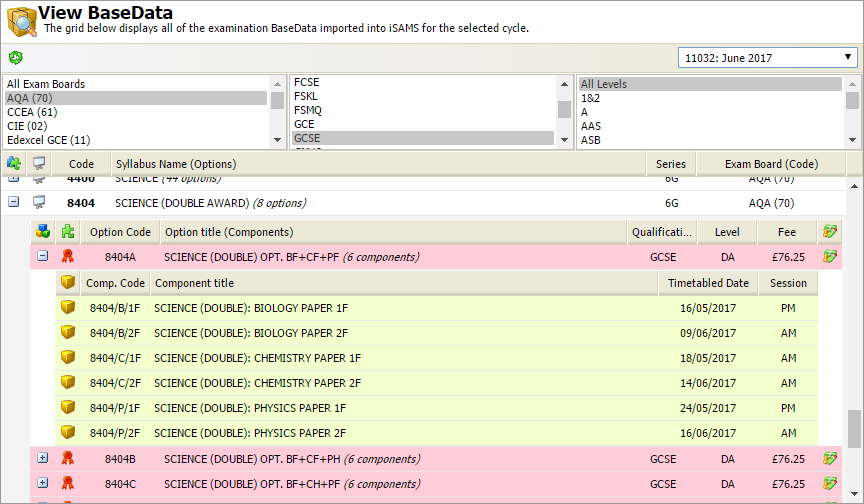
Use the View Imported BaseData option in the External Exams Manager module to see all the exam syllabus details that you have imported.
Each subject syllabus is listed along with the qualifications that can be awarded; the units that make up the qualification may also be listed. Each qualification or unit's component parts (exam papers, assessments and coursework) is also shown.
To use the View Imported DataBase option:
- Open the External Exams Manager module and select the BaseData tab.
- Select Import New BaseData from the right hand menu to display the Import BaseData screen:
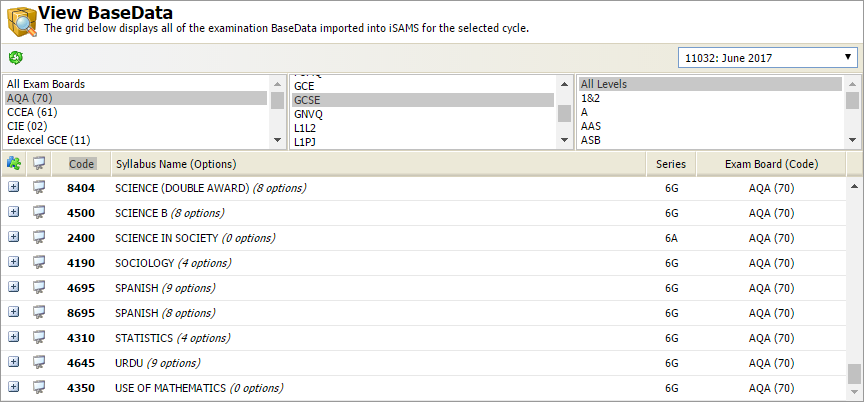
- Use the drop down list in the header bar to select the exam cycle that you want to work with.
All imported exam syllabus are listed with a unique code. Syllabus are identified by the icon.
icon. - Use the filters to select the syllabus that you want to view:

- Scroll to the syllabus that you want to see in more detail and click
 to display the qualifications (
 ) and units (
 ) listed for the selected syllabus option. Only some qualifications are made up of a selection of units: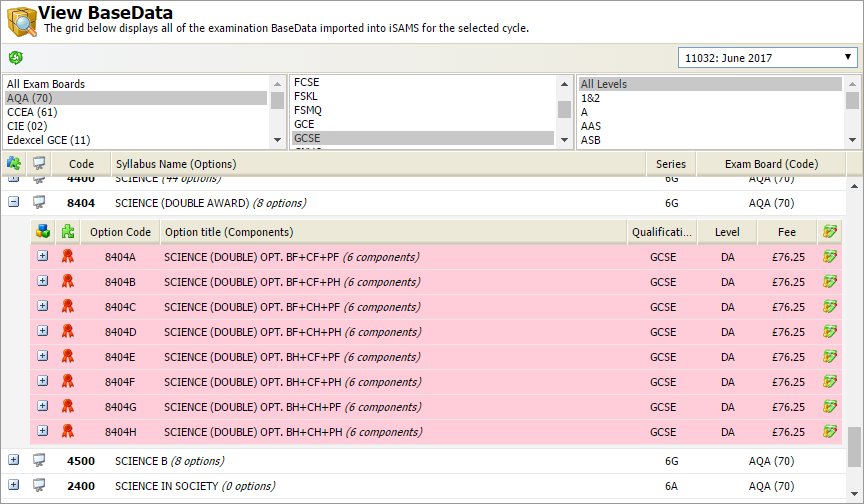
All the qualifications and units for the selected syllabus are listed along with a unique code and the total fee chargeable for sitting all of the components. You can change the fee listed but there would not usually be any reason to do this. - Click
 on a selected qualification or unit to view all the components (
 ) of the qualification. Components are exam papers, coursework and assessments. The date and time of exam papers is shown: